Upload your first file
When you first land on Chief's homepage, you’re immediately greeted by the chat interface — front and center is the prompt bar, your starting point for interacting with Chief.
Written By Patrick Intervalo
Last updated 6 months ago
How to Upload Files
You can upload files in any of the following ways:
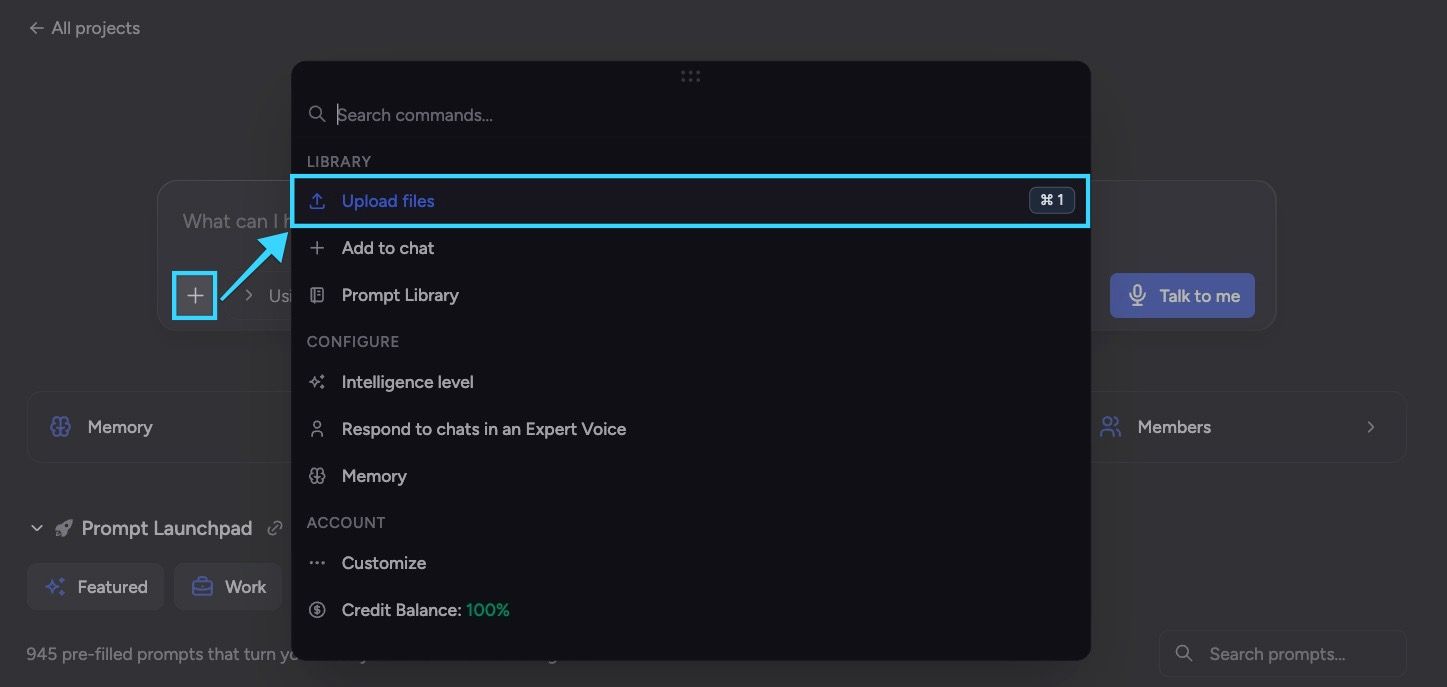
Open your Command Center and click on Upload Files
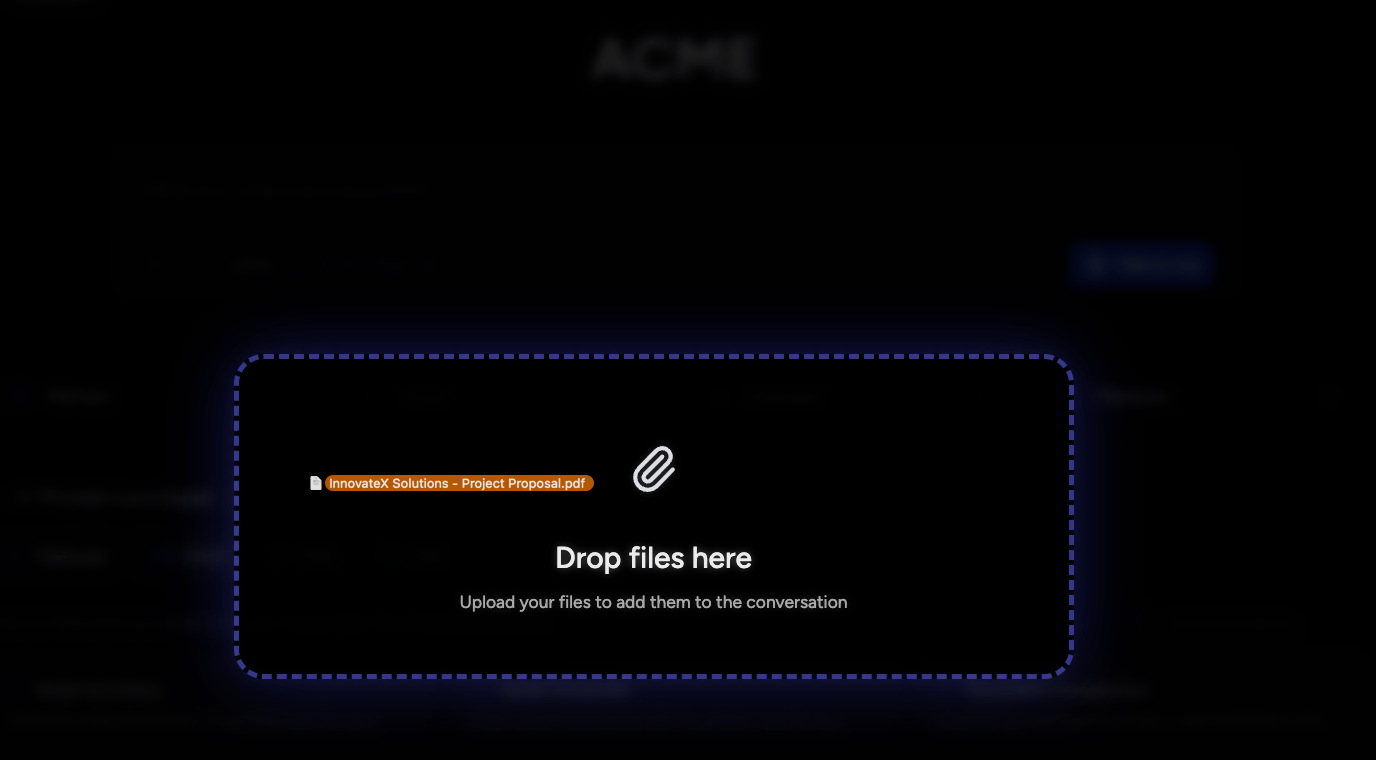
Drag and drop files directly from your computer into the chat interface.
Chief supports a wide range of file types. View the full list of supported formats: Supported File Types and Formats
What Happens Next
Once you’ve added the file(s):
You’ll see them added to the files scope — this is where Chief shows which files are currently in scope for your chat.
These files will stay visible throughout the conversation so you can always tell:
Which assets you’re chatting with.
Where Chief is pulling answers from.

You can upload multiple files, and each one will be consistently shown on the scope bar as part of your current context.
Learn more about Scopes: How to manage scope
Still need help? Ask the team