Chatting with the support team
Get fast answers from a real person, right inside Chief.
Written By Patrick Intervalo
Last updated 6 months ago
Overview
If you have a question, hit a blocker, or just want to double-check something, you can message the Chief support team directly through the support button. It’s the quickest way to get help without leaving the platform.
How to start a chat
Click the support icon in the lower-left corner of Chief. This opens the help widget.
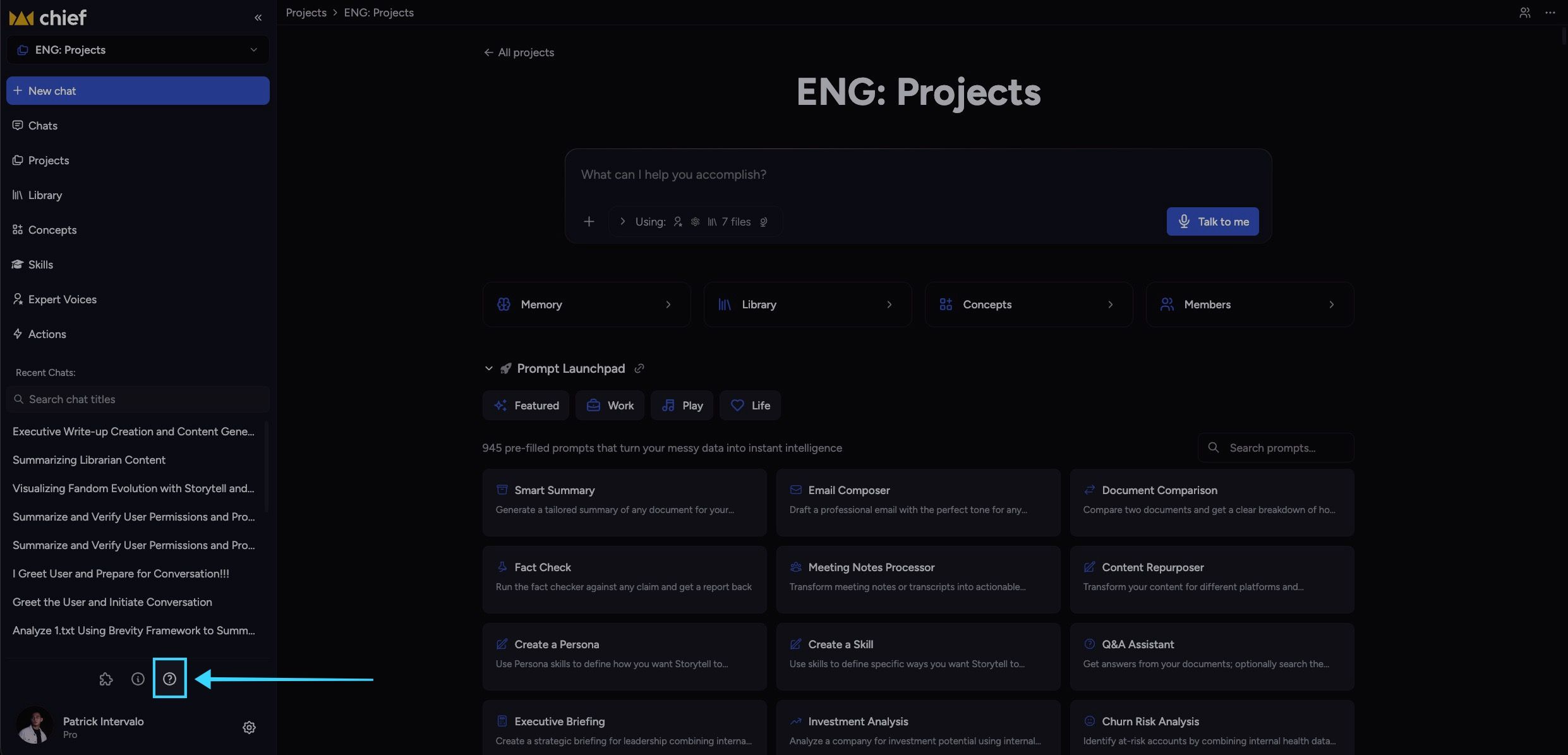
This opens a chat box where you can send your message.
Type your message and hit Send.
One of our team members will respond as soon as possible, typically within a few minutes during support hours.
What You Can Ask
How a feature works
Troubleshooting or unexpected behavior
Help refining your prompts or setup
Best practices for your workflow
Anything else you need help with in Chief
No question is too small. If it helps you get more out of Chief, we’re here for it.
Still need help? Ask the team