Sign out of your Chief account
Written By Patrick Intervalo
Last updated 7 months ago
How to sign out of your account
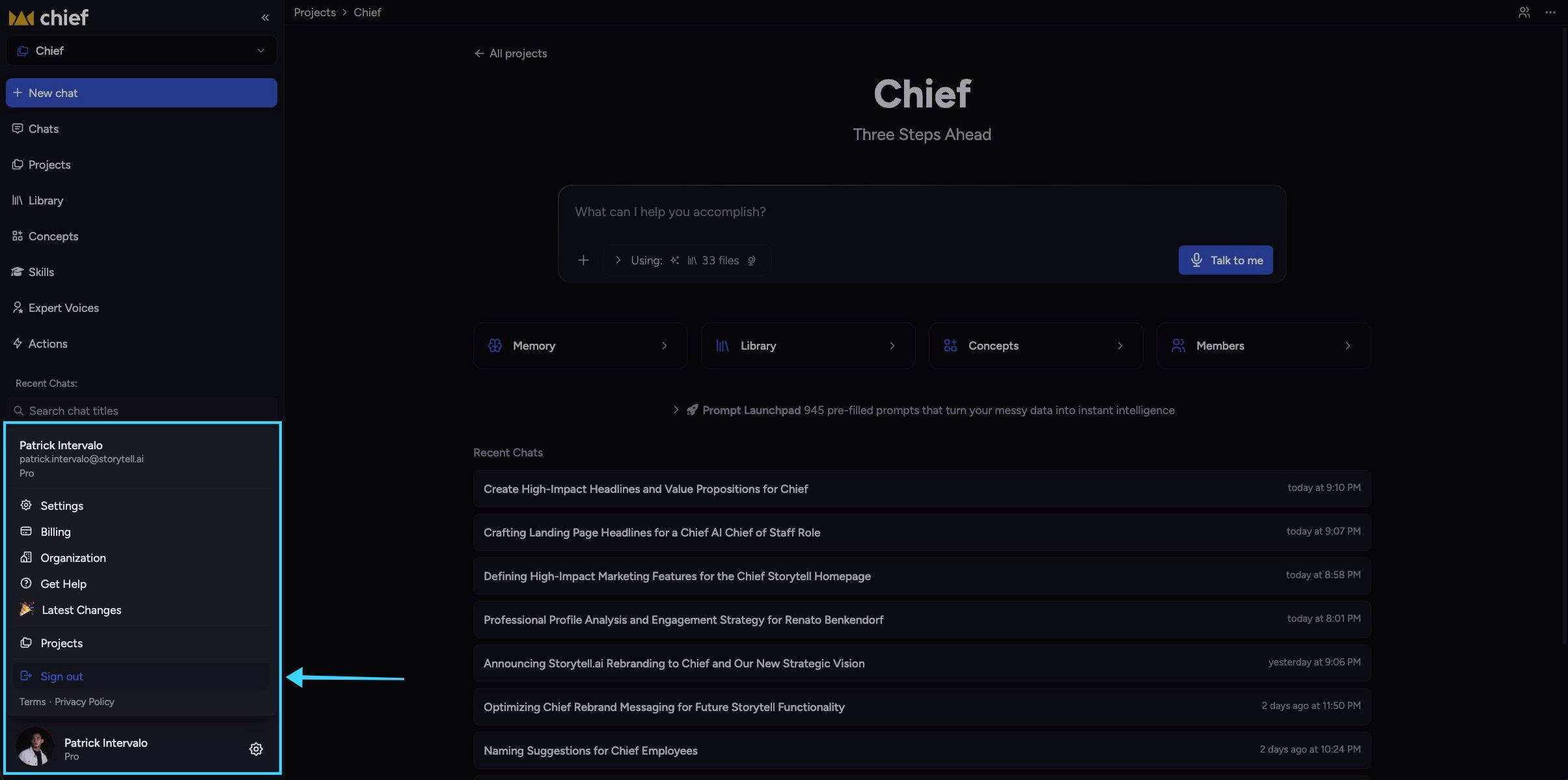
On the Chief home page, click on your profile on the bottom left.
Click on Sign out.
Was this helpful?
Still need help? Ask the team