June 8 – June 15, 2026 Releases
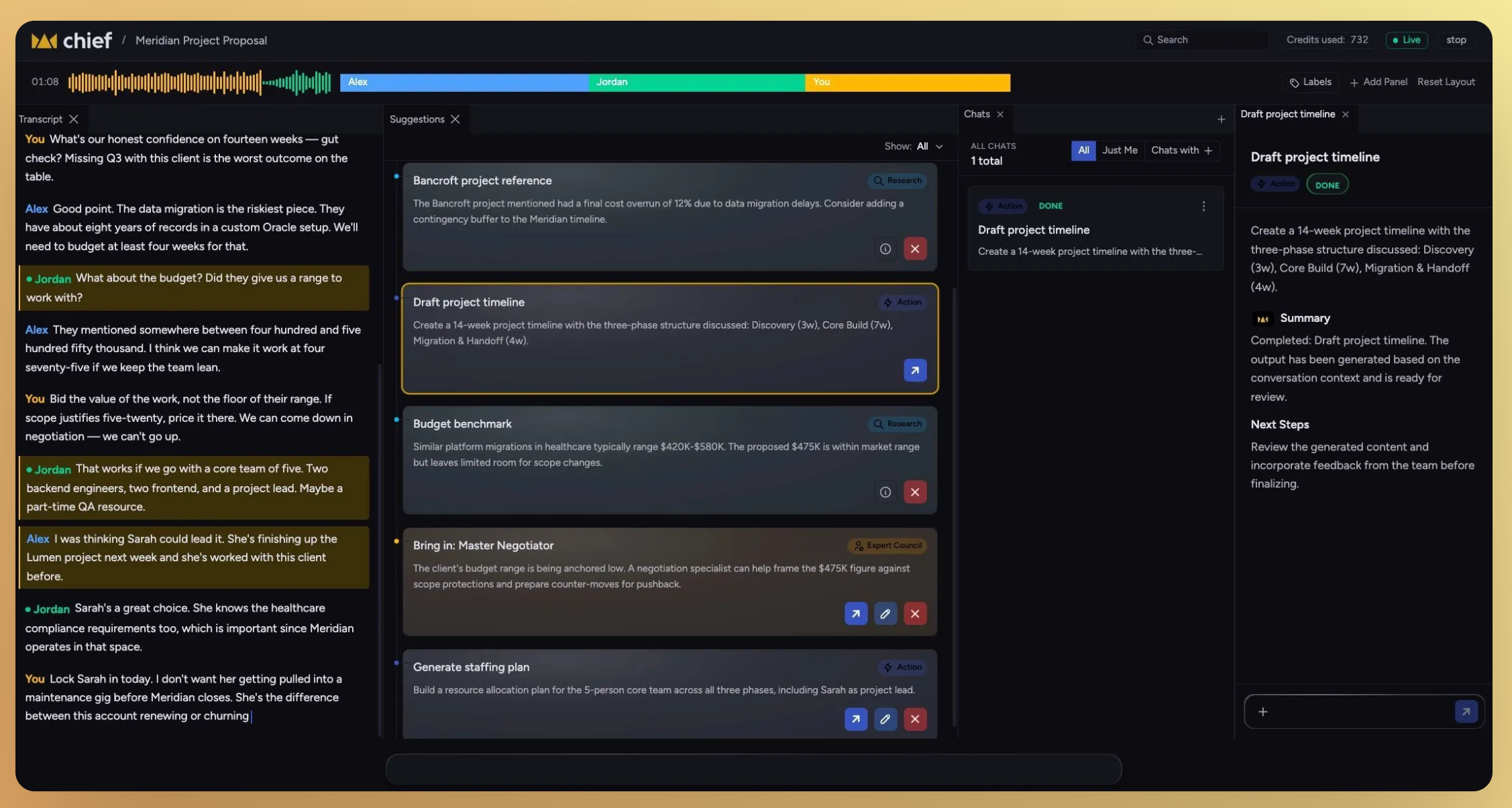
Live Session App, fully loaded.
This week’s release focused heavily on the Live Session App — making setup faster, exports more useful, transcripts more reliable, and the overall experience feel significantly more polished across web and native app surfaces.
You can now pair and set up the Live Session App in seconds, export transcripts and summaries anywhere, chat directly with captured actions, and use the app in light, dark, or auto theme modes.
Alongside the major updates, we also improved transcript quality, streamlined navigation, refined session summaries, and resolved a number of issues affecting session state, timestamps, and UI consistency.
Download the Live Session App here: https://chief.bot/landing/live-session
Learn how to setup Live Session app here: Live Session Overview
What’s in this release
New
Live Session App
Pair and set up the Live Session App on first use
Export transcripts, summaries, and chat threads
Chat with captured actions
Improved
Light, dark, and auto themes
Speaker timestamps in live transcripts
Full summaries for every session
Project picker search and navigation
Transcript echo cancellation
Live Session App UI and native app polish
Fixed
Chat activity duration no longer inflates across reloads
Copy/download buttons now hide when sessions stop
Stopped sessions no longer show as “Live”
Session names and owner visibility
Typography and interface alignment
Pair and set up the Live Session App on first use
Getting started with the Live Session App is now significantly faster and easier for first-time users.
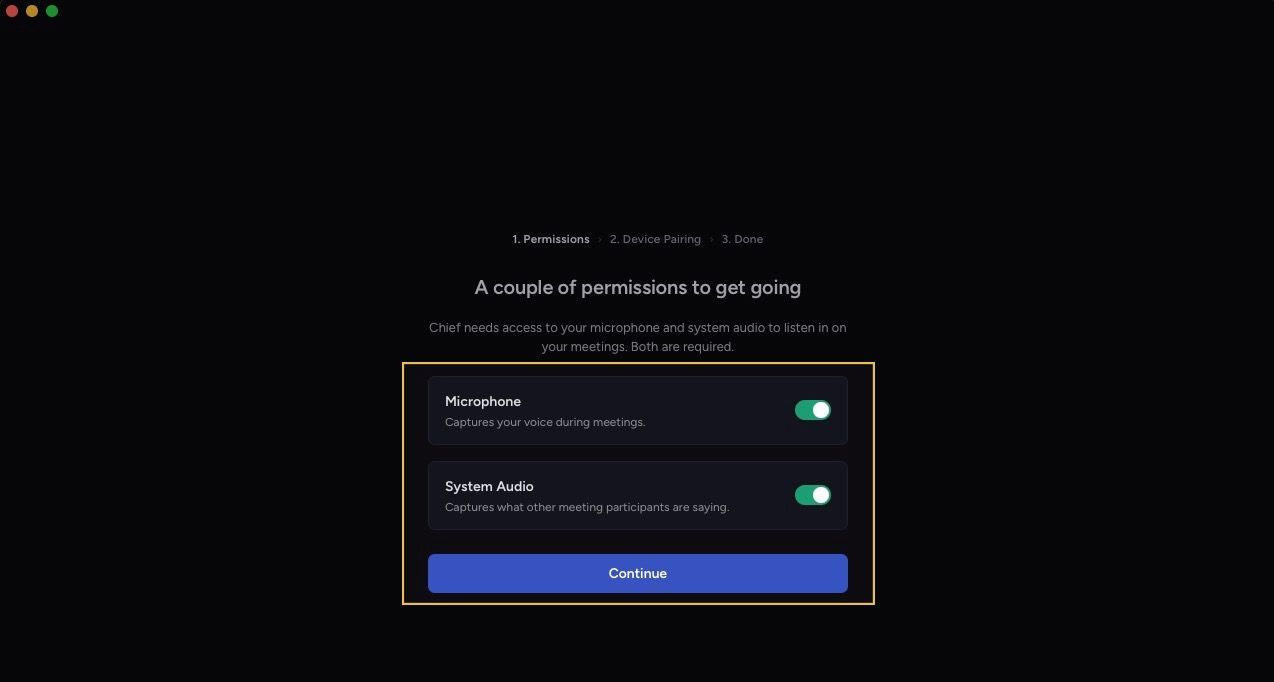
The onboarding flow now guides users through pairing their device directly inside the app, with clearer prompts, inline instructions, and automatic pairing link generation if a code is lost.
Highlights
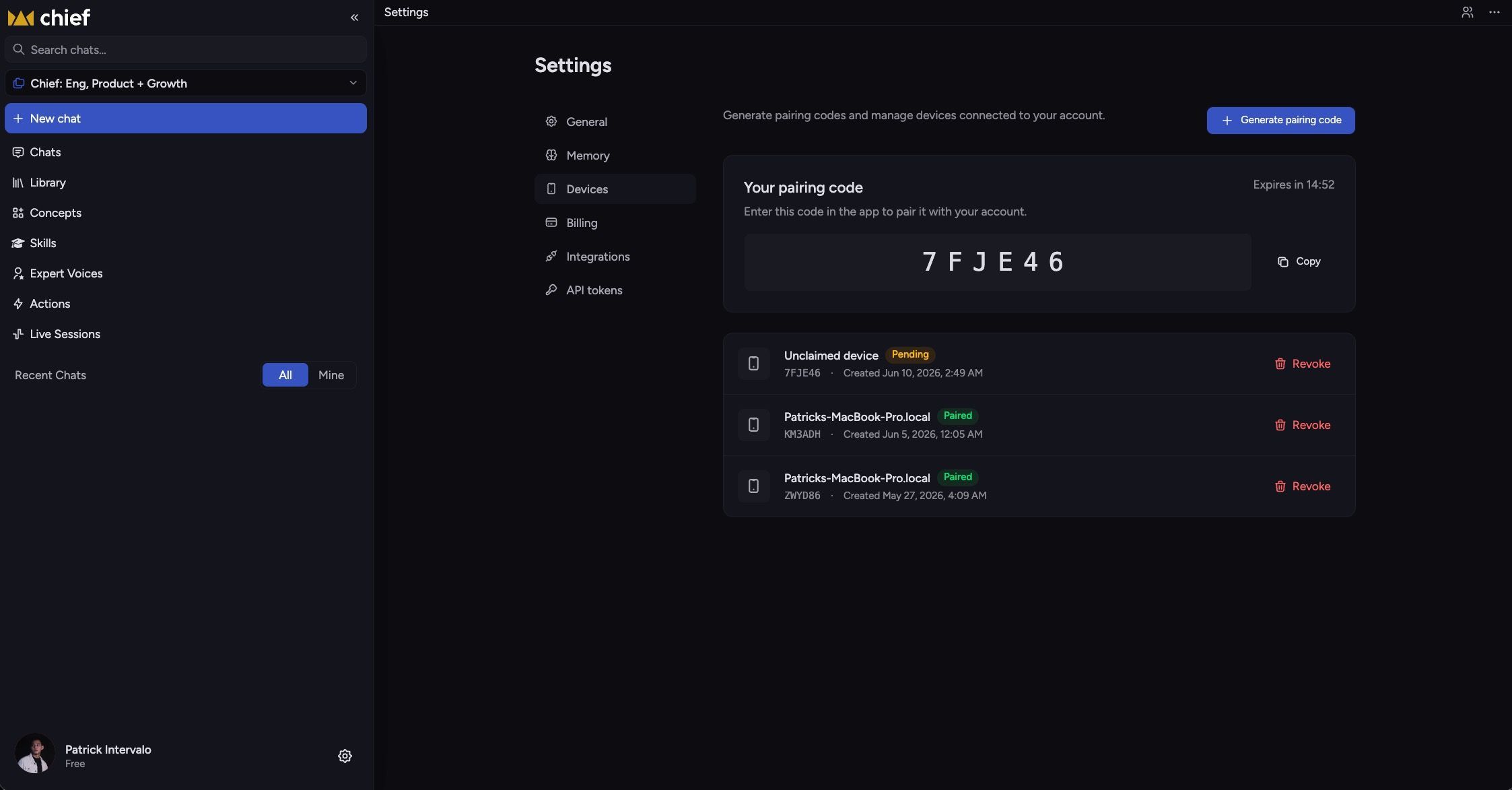
Device pairing now starts directly from the welcome screen
Pairing codes persist across browser tabs
Inline helper text guides users through setup
“Generate Link” instantly creates a new pairing link if needed
First-time Live Session onboarding now explains the capture flow before a session starts
Export transcripts, summaries, and chat threads
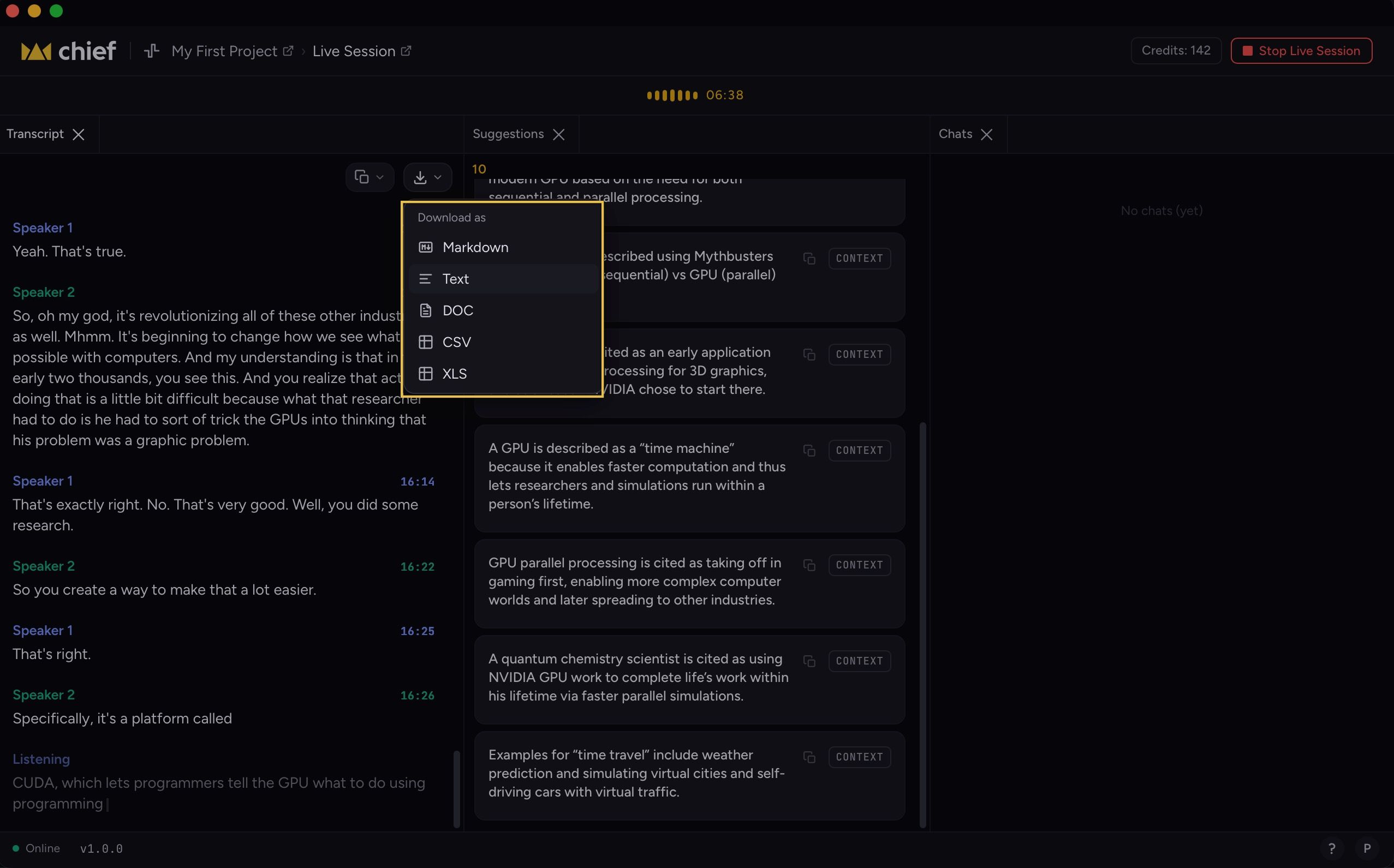
Everything captured during a Live Session can now be exported and shared more easily.
Users can copy content directly to their clipboard, download it as a file, or move it into external tools and workflows without extra formatting work.
Highlights
Export full diarized transcripts with speaker names and timestamps
Export summaries, action items, and decisions
Copy or download summaries as Markdown or plain text
Export chat conversations with Chief about a session
Copy action items into reusable to-do lists
Improvements
Light, dark, and auto themes
Chief now supports light mode, dark mode, and automatic system theme detection.
Speaker timestamps in live transcripts
Speaker sections now include timestamps so users can quickly jump to important moments in a conversation.
Full summaries for every session
Every completed session now automatically includes a generated summary without requiring an additional prompt.
Project picker improvements
Project switching is now faster and more reliable with improved search, retry handling, and smarter collapse behavior for previously selected projects.
Transcript echo cancellation
System audio echo is now filtered more effectively, improving transcript clarity and speaker reliability.
Live Session App and native app polish
A wide range of UI and usability improvements shipped across the Live Session App and native experience.
Included updates
Live session breadcrumbs are now clickable
Session UI scales correctly with zoom changes
Live session icons are now consistent across surfaces
Native app typography and spacing were refined
Project context now persists through billing upgrade flows
Download states now show progress while transcripts process
Fixes
Chat activity duration no longer inflates across reloads
Chat timestamps now correctly reflect the actual time since the last activity.
Copy/download buttons hide when sessions stop
Export controls now disappear correctly once a session has ended.
Stopped sessions no longer show as “Live”
Session state now updates immediately after capture stops.
Session names and owner visibility
Live Sessions now display the correct owner and generate clearer default session names.
Name alignment across web, app, and tools
Terminology for Live Sessions, transcripts, and capture flows is now consistent across the web app, native app, and tools.
Speaker identification reliability
Resolved issues that occasionally prevented speaker diarization from completing on some call types.